

Udemy is a popular website for online learning. It offers many courses on different topics. You can learn skills like programming, cooking, or drawing. Many people use Udemy to improve their knowledge. But sometimes, you want to watch videos without internet. That is why downloading videos is useful.
Why Download Udemy Videos?
Not everyone has good internet all the time. Sometimes, the internet is slow or not available. In such cases, watching videos online can be hard. Downloading videos lets you watch them anytime. Even if you have no internet, you can still learn.
Also, if you travel a lot, you may not always get internet. Downloading helps you watch lessons on planes or trains. It saves your mobile data too. You do not need to use the internet again and again.
Is It Legal to Download Udemy Videos?
Before downloading, you must know the rules. Udemy lets you download videos for personal use only. You cannot share these videos with others. Sharing is against Udemy’s rules and may cause problems.
Always use downloaded videos only for yourself. Do not upload them on other websites. Respect the teacher’s work and Udemy’s terms.
Credit: streamfab.dvdfab.cn
Ways to Download Udemy Videos
There are several ways to download Udemy videos. Some are easy and safe. Others can be risky or against the rules. Let’s look at the best and simplest methods.
1. Download Using Udemy App
Udemy has apps for Android and iPhone. The app lets you download videos easily. Here is how you do it:
- Open the Udemy app on your phone.
- Go to the course you want to download.
- Find the video or section you want.
- Look for a download button near the video.
- Tap the download button to save the video.
Once downloaded, you can watch videos offline in the app. This method is safe and allowed by Udemy.
2. Download Videos Using Udemy Website (limited)
On the Udemy website, downloading is limited. You cannot download videos directly on a computer browser. But you can use the app if you want offline videos.
For computer users, the app is the best option to download videos.
3. Using Screen Recording Software (not Recommended)
Some people use screen recorders to save videos. This means playing the video and recording the screen.
While this works, it takes time and uses a lot of space. The quality may also be lower. This method may break Udemy’s rules. So, it is not a good choice.
4. Using Third-party Downloaders (risky And Not Safe)
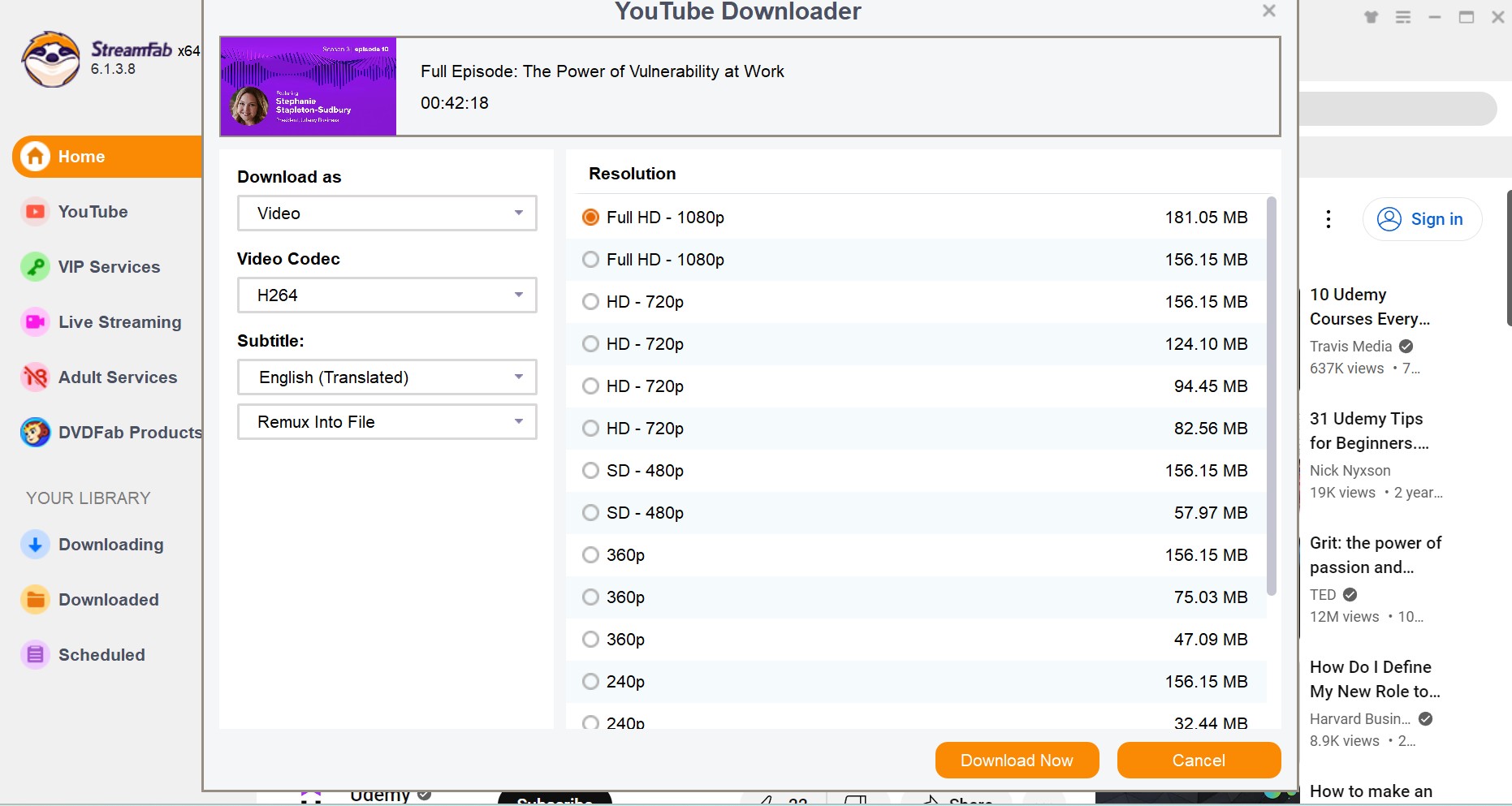
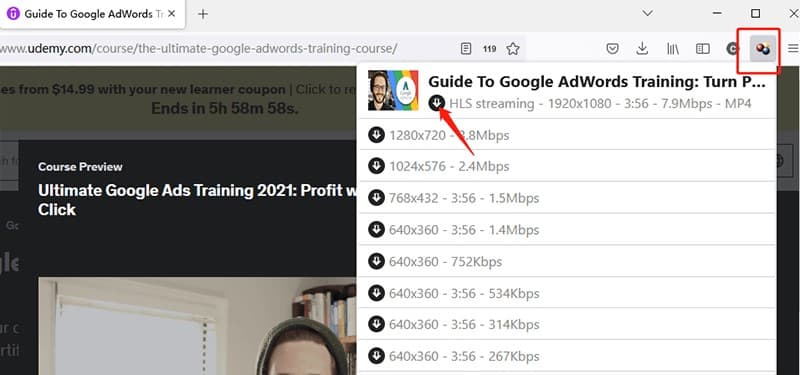
You may find websites or apps that claim to download Udemy videos. These tools ask for your login details. This is dangerous.
They can steal your account or harm your computer with viruses. Also, using these tools breaks Udemy’s terms. We do not recommend this way.
How to Manage Downloaded Videos
After downloading videos with the Udemy app, you need to know how to find them.
- Open the Udemy app.
- Go to your course.
- Look for the My Learning or Downloaded section.
- You will see all downloaded videos here.
- Tap any video to watch offline.
Remember, you can only watch downloaded videos inside the Udemy app. You cannot move these videos to other players or devices.
Tips for Better Download Experience
- Make sure you have enough storage on your phone.
- Download videos over Wi-Fi to save mobile data.
- Download videos in small parts if your internet is slow.
- Keep your Udemy app updated for best performance.
- Check your downloads before going offline.
What if You Lose Downloaded Videos?
Sometimes, downloaded videos may disappear. This can happen if you uninstall the app. Or if your phone deletes data to save space.
If this happens, you need to download the videos again. Make sure to back up your course progress online. Udemy saves your course progress on your account.
Credit: streamfab.dvdfab.cn
Comparing Download Methods
| Method | Easy to Use | Safe and Legal | Works Offline | Video Quality |
|---|---|---|---|---|
| Udemy App Download | Yes | Yes | Yes | Good |
| Udemy Website | No | Yes | No | Good |
| Screen Recording | Medium | No | Yes | Lower |
| Third-Party Downloaders | Medium | No | Yes | Good |
Final Thoughts
Downloading Udemy videos is helpful for offline learning. The best way is using the official Udemy app. It is safe, easy, and legal. Avoid using third-party tools or screen recorders.
Remember to respect Udemy’s rules. Use downloaded videos only for yourself. This helps keep the learning platform fair for everyone.
Keep your app updated and manage downloads well. This will give you a smooth learning experience anytime, anywhere.
Frequently Asked Questions
How Can I Download Udemy Videos For Offline Viewing?
Use the Udemy app’s download feature to save videos directly to your device for offline access.
Is Downloading Udemy Videos Legal And Safe?
Downloading videos through Udemy’s official app is legal and safe for personal use.
Can I Download Udemy Videos On My Computer?
Udemy allows video downloads only on mobile apps, not directly on computers.
What Is The Best Device To Download Udemy Courses?
Smartphones and tablets with the Udemy app offer the easiest way to download videos.


