

Are you looking for a free AI voice over generator? You want a tool that makes your words sound clear. Maybe for a video, a presentation, or just for fun. This article will help you find the best free tools. These tools can turn text into speech easily.
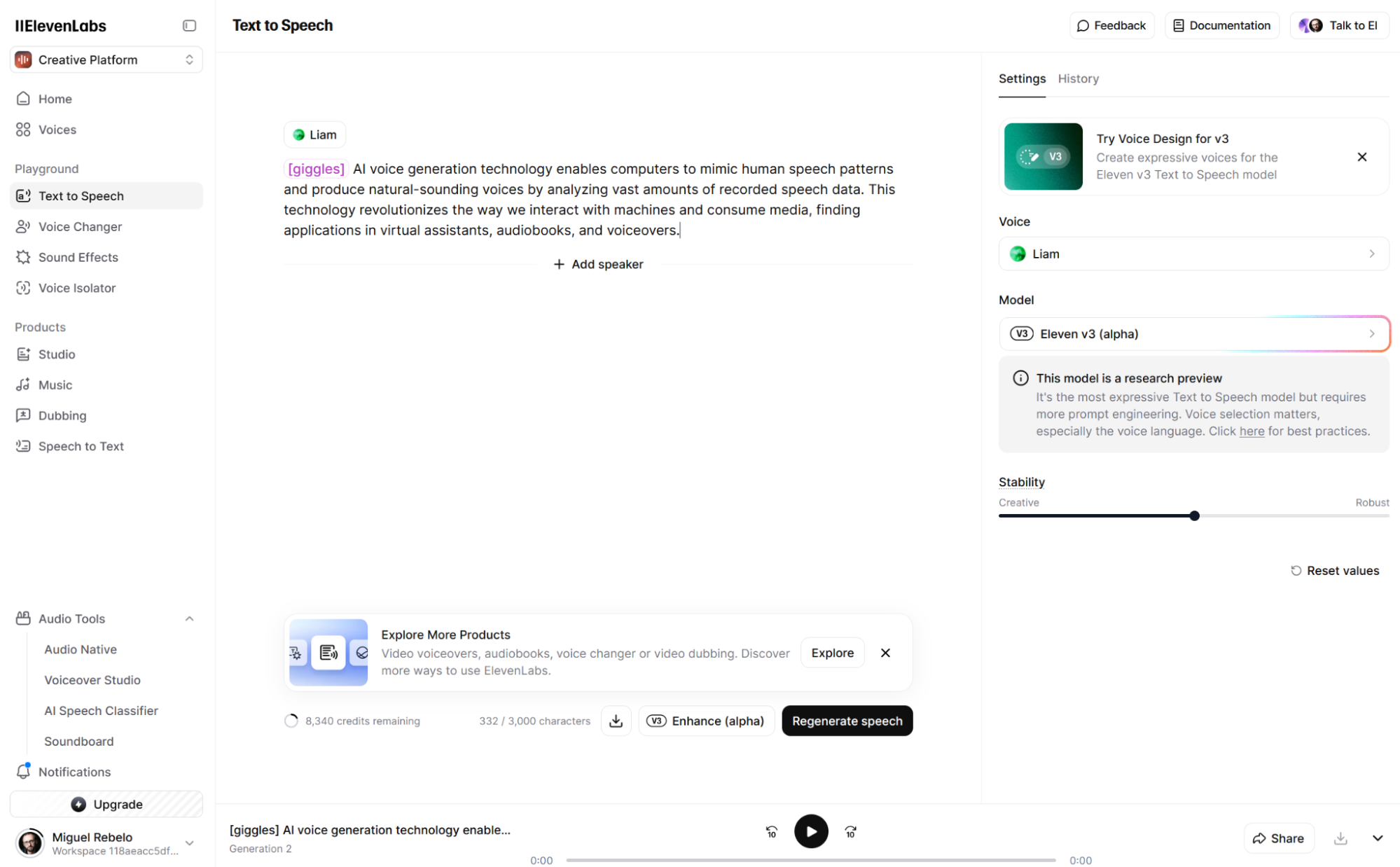
Credit: zapier.com
What Is an AI Voice Over Generator?
An AI voice over generator is a computer program. It uses artificial intelligence to read text out loud. You type or paste your text. The tool then speaks the text in a natural voice. Many tools let you choose voices and languages. Some even add emotions or change speed.
Using AI voice over tools is easy. You do not need to record your voice. It saves time and effort. This is great for people who do not like to speak. Or for those who want a clean, clear voice.
Why Use a Free AI Voice Over Generator?
- Cost: Free tools do not ask for money.
- Quick: You get voice overs fast.
- Simple: No need for special skills.
- Many Voices: Choose from different voices.
- Works Online: No need to download big files.
Free tools are great for beginners and small projects. You can try many without spending money.
How to Choose the Best Free AI Voice Over Generator?
There are many free AI voice over tools. But how to pick the best one? Here are some points to check:
| Feature | Why It Matters |
|---|---|
| Voice Quality | Sounds natural and clear. |
| Languages Available | Supports your language or accent. |
| Length Limits | How many words you can convert for free. |
| Download Options | Allows saving audio files easily. |
| Ease of Use | Simple steps, no complex settings. |
Check if the tool fits your needs before choosing.
Top Free AI Voice Over Generators
Here are some popular and free AI voice over tools. They are easy to use and offer good voice quality.
1. Natural Readers
Natural Readers is a popular text-to-speech tool. It has many free voices and languages. You can type text or upload documents. It reads the text out loud clearly.
- Offers online and desktop versions.
- Supports MP3 downloads for free users.
- Simple interface for beginners.
- Good voice quality with natural sound.
It is great for school projects and videos.
2. Ttsmp3.com
TTSMP3.com lets you convert text to speech online. You can choose from many voices. It also supports different languages and accents.
- Free to use with no sign-up needed.
- Allows downloading MP3 files.
- Easy to use for short texts.
- Option to change speech speed.
Perfect for quick voice overs and learning.
3. Voicemaker.in
VoiceMaker.in is a free AI voice generator online. It offers many voice options and effects. You can add emotions like happy or sad to the voice.
- Supports many languages and voices.
- Free MP3 downloads available.
- Options to adjust pitch and speed.
- Good for fun and creative projects.
This tool is flexible and user-friendly.
4. Balabolka
Balabolka is a free desktop voice over software. It uses Windows voices and other free voices. You can save audio files in many formats.
- Works offline after download.
- Supports many text file types.
- Allows voice customization.
- Good for longer texts and books.
Best if you want to work without internet.
5. Ibm Watson Text To Speech
IBM Watson offers a free tier for text to speech. It has very natural voices. You must create a free account to use it.
- Supports multiple languages and voices.
- Good for professional use.
- Allows downloading audio files.
- Free usage has limits each month.
Great for those who want quality and reliability.
Tips to Get the Best Results
Using AI voice over generators is easy. But a few tips help you get better audio.
- Use Simple Text: Short sentences work best.
- Check Spelling: Correct spelling helps good pronunciation.
- Choose the Right Voice: Pick a voice that fits your content.
- Adjust Speed: Not too fast or slow.
- Listen and Edit: Play the voice and fix text if needed.
These steps make your voice over sound clear and natural.
What Can You Use AI Voice Over For?
Many people use AI voice overs for different reasons. Here are some ideas:
- Videos for YouTube or school projects.
- Presentations for work or study.
- Podcasts or audio stories.
- Language learning and practice.
- Making audiobooks from text.
AI voice overs save time and effort.
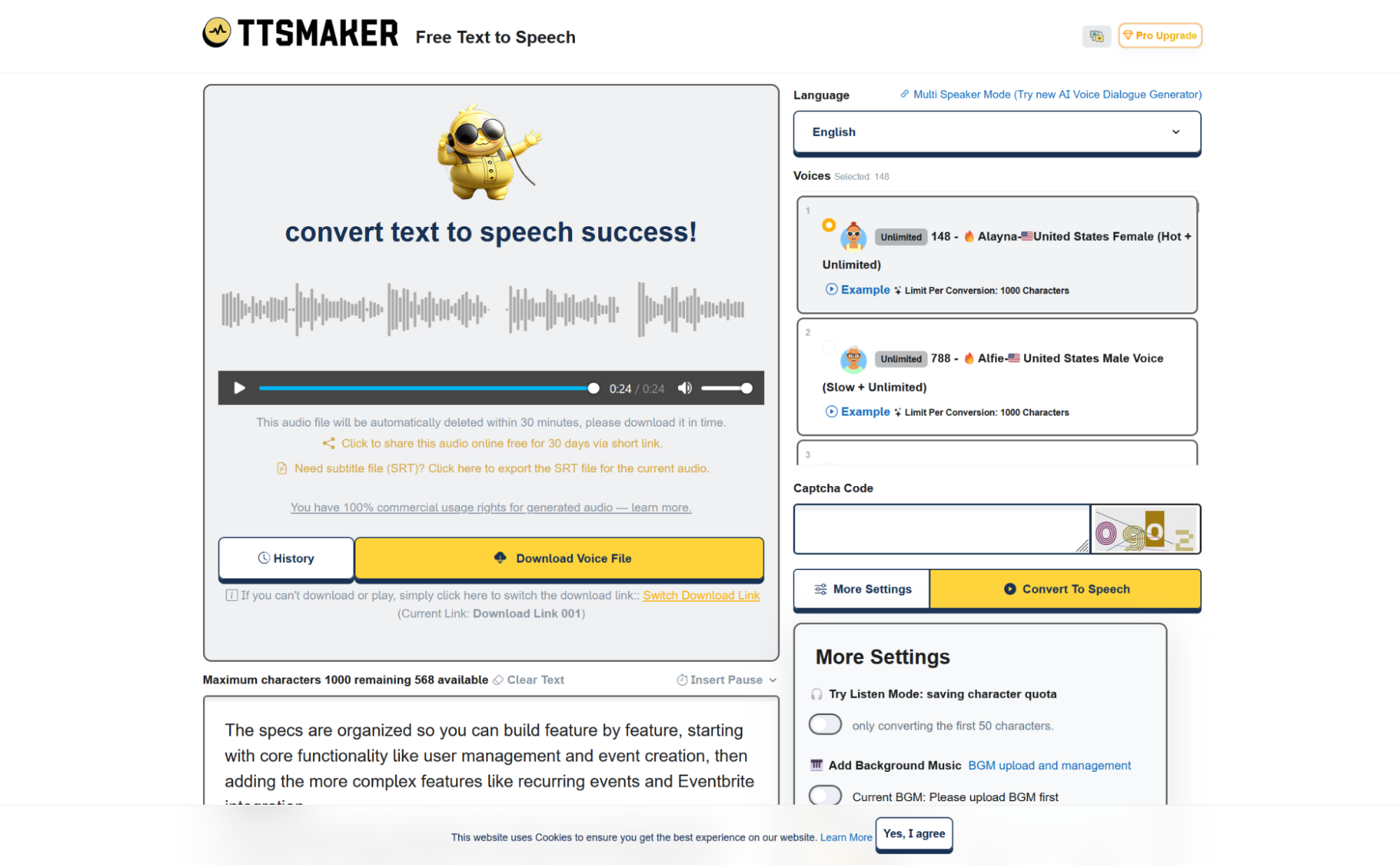
Credit: zapier.com
Limitations of Free AI Voice Over Generators
While free tools are useful, they have some limits.
- Length Limits: Some tools limit text length.
- Voice Choices: Fewer voices than paid versions.
- Watermarks: Some add a small mark on audio.
- Internet Needed: Most need online access.
Still, they work well for many everyday needs.
Frequently Asked Questions
What Is The Best Free Ai Voice Over Generator?
The best free AI voice over generator offers clear, natural voices without cost or complex setup.
Can Free Ai Voice Over Tools Be Used For Commercial Projects?
Many free AI voice over tools allow commercial use, but always check each tool’s license terms.
How Accurate Are Ai Voice Over Generators?
AI voice overs sound natural but may lack emotion or perfect pronunciation in some cases.
Which Languages Do Free Ai Voice Over Generators Support?
Most support popular languages like English, Spanish, French, and more, but language options vary.
Conclusion
Free AI voice over generators are easy to find. They help you make voice content quickly. Choose a tool that fits your needs. Try Natural Readers or TTSMP3.com for simple use. Use VoiceMaker.in for fun effects. Balabolka works well offline. IBM Watson offers professional voices.
Remember to keep your text simple. Check your voice and speed. Download your voice over and use it in your projects. Free AI voice over tools are great helpers for many tasks. Give them a try today!


