
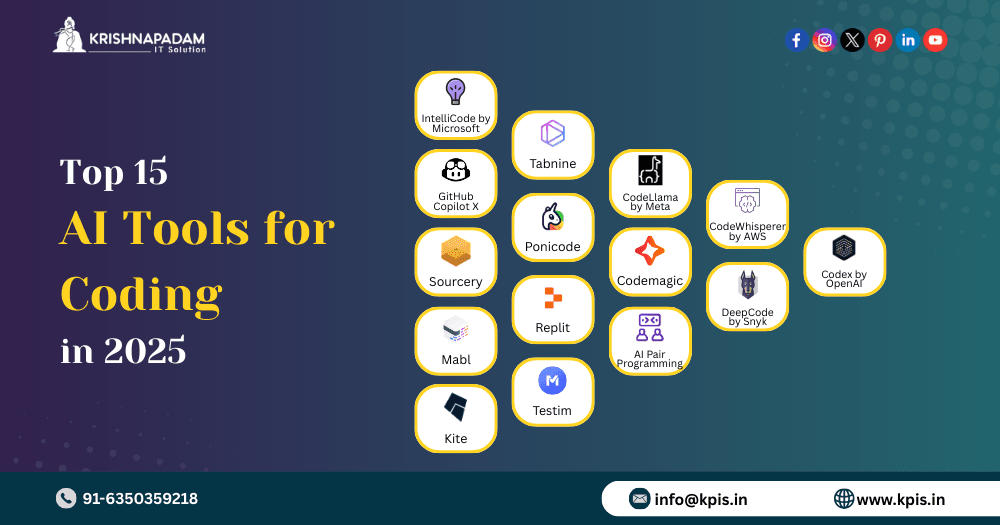
Developers often look for ways to work faster and better. AI tools can help. These tools save time and reduce mistakes. Here, we will talk about the best AI tools for developers. The tools are easy to use and help with coding, testing, and organizing work.
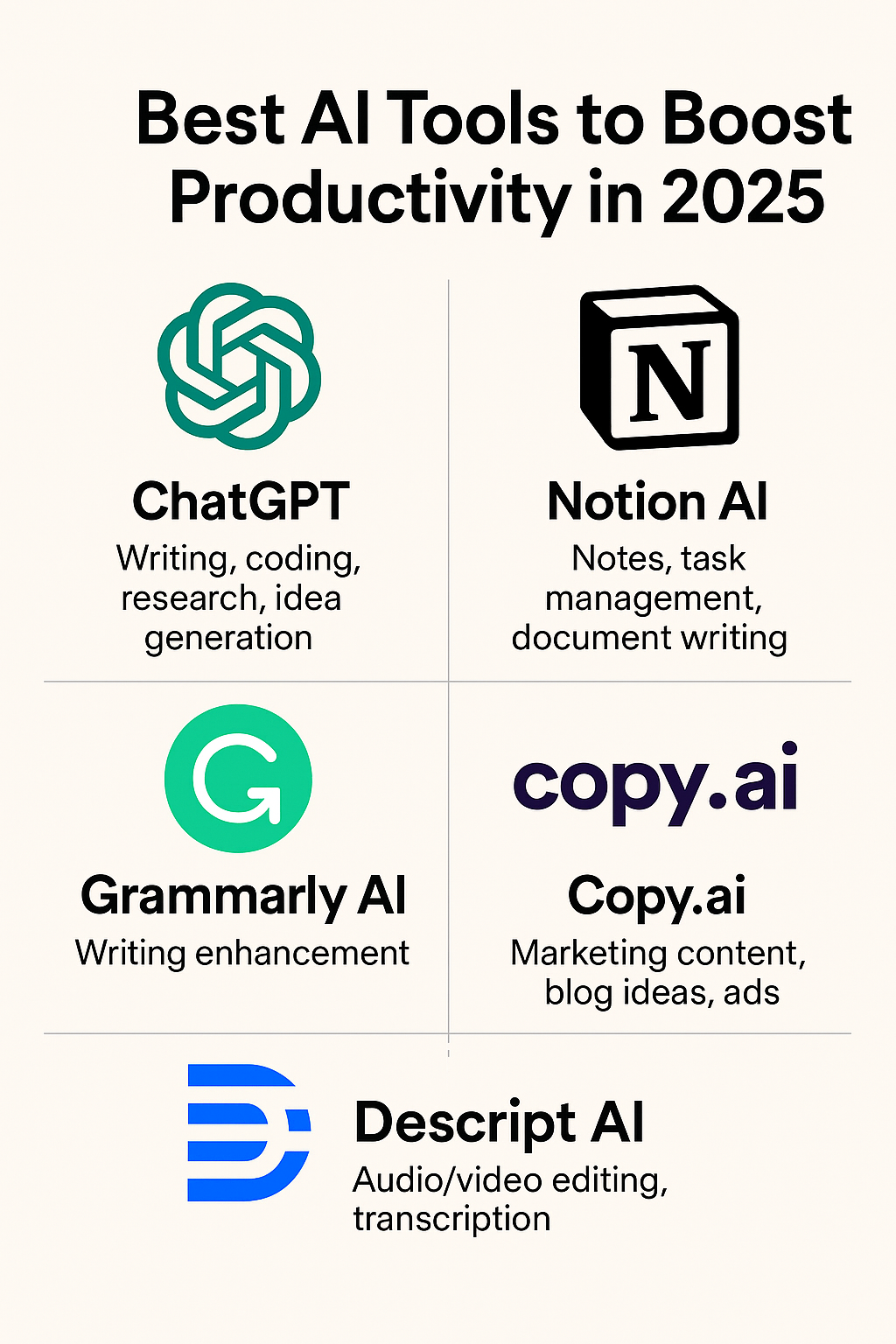
Credit: codekubix.com
Why Use AI Tools?
Writing code can take a lot of time. Sometimes, it is hard to find errors or think of new ideas. AI tools help by giving suggestions and fixing problems. They make work smoother and less tiring.
- They suggest code snippets.
- Help find bugs quickly.
- Explain difficult code.
- Organize tasks and notes.
Using AI tools can make developers more productive every day.
Top AI Productivity Tools for Developers
Here are some popular AI tools that many developers use. They work well and are easy to try.
1. Github Copilot
GitHub Copilot is a smart tool that helps write code faster. It suggests whole lines or blocks of code. It works inside code editors like Visual Studio Code. When you start typing, Copilot guesses what you want next.
This tool supports many programming languages. It helps with JavaScript, Python, Java, and more. It also works well for writing tests and comments.
Key Features:
- Auto-suggest code as you type.
- Works with many languages.
- Helps write tests and documentation.
- Easy to install and use.
2. Figstack
Figstack is a tool for reading and writing code in many languages. It can explain parts of code in simple words. This helps developers understand code faster.
You can use Figstack to get help with web development and other projects. It is free and easy to use.
Key Features:
- Supports multiple programming languages.
- Explains code in simple language.
- Good for beginners and experts.
- Free to use.
3. Notion Ai
Notion AI helps developers organize their work. It is a note-taking and task management app. The AI part helps write better notes, summaries, and plans.
Developers can use it to keep track of bugs, project ideas, or meetings. It works well to keep work clean and clear.
Key Features:
- Write and organize notes easily.
- Create task lists and plans.
- AI helps to write summaries.
- Works on many devices.
4. Zapier
Zapier helps connect different apps. Developers can automate boring tasks with it. For example, you can make Zapier send a message when a code is updated.
It saves time and reduces the chance to forget tasks. You do not need to write code for this.
Key Features:
- Automate simple tasks between apps.
- No coding needed to create workflows.
- Supports many apps and tools.
- Saves time on repeated work.
5. Gpt-engineer
GPT-Engineer is an AI tool that helps to build code projects. It uses smart AI to write code based on your instructions.
This tool is good for starting new projects or fixing code fast. It can create full programs from simple ideas.
Key Features:
- Builds code from your text input.
- Helps start new projects quickly.
- Fixes or improves existing code.
- Easy to use with simple commands.
6. Keploy
Keploy is a tool for testing APIs automatically. APIs are ways for apps to talk to each other. Testing them is important to make sure they work well.
Keploy uses AI to create tests that find bugs or errors. This helps developers save time.
Key Features:
- Automatic API testing.
- Finds bugs early.
- Easy to set up and use.
- Improves app reliability.
7. Cortex
Cortex helps developers by giving insights about their code. It can show how code parts work together.
This tool helps to find slow or weak parts in the code. Developers can then improve these parts.
Key Features:
- Analyzes code for problems.
- Shows code performance insights.
- Helps improve code quality.
- Works with many languages.
How to Choose the Right AI Tool?
Not all tools are the same. You should pick one that fits your needs.
Ask yourself these questions:
- What tasks do I want help with?
- Do I want help writing code or testing?
- Is the tool easy to use for me?
- Does it support my programming language?
- Is it free or fits my budget?
Start with one tool. Learn how to use it well. Then try others if you need more help.

Credit: techmitra.in
Benefits of Using AI Tools
AI tools offer many benefits to developers. Here are some of the main ones.
| Benefit | Explanation |
|---|---|
| Save Time | AI suggests code fast, so you spend less time typing. |
| Reduce Mistakes | AI finds errors early before they cause problems. |
| Learn Faster | AI explains hard code in simple words. |
| Better Organization | AI helps keep notes and tasks clear and easy to find. |
| More Focus | Automating small tasks lets you focus on big problems. |
Tips for Using AI Tools Effectively
AI tools are helpful but need good use. Here are some tips:
- Check AI suggestions carefully before use.
- Use AI to help, not replace your thinking.
- Keep learning new AI tools over time.
- Combine AI with good coding habits.
- Ask for help if AI advice is unclear.
Frequently Asked Questions
What Are The Top Ai Productivity Tools For Developers?
Top AI tools include GitHub Copilot, Figstack, Microsoft Copilot, and Notion AI for coding help.
How Do Ai Tools Improve Developer Productivity?
AI tools speed up coding, help find bugs, and suggest better code snippets quickly.
Are There Free Ai Productivity Tools For Developers?
Yes, many tools like Figstack and GitHub Copilot offer free plans or trials.
Can Ai Tools Support Multiple Programming Languages?
Most AI developer tools support popular languages like Python, JavaScript, and Java.
Conclusion
AI productivity tools can help developers work smarter. They make coding faster, easier, and less stressful. Tools like GitHub Copilot, Figstack, and Notion AI are good places to start. Choose tools that match your needs and practice using them.
Remember, AI is here to support you, not replace your skills. Use AI to help with small tasks and focus on creating great software.


