
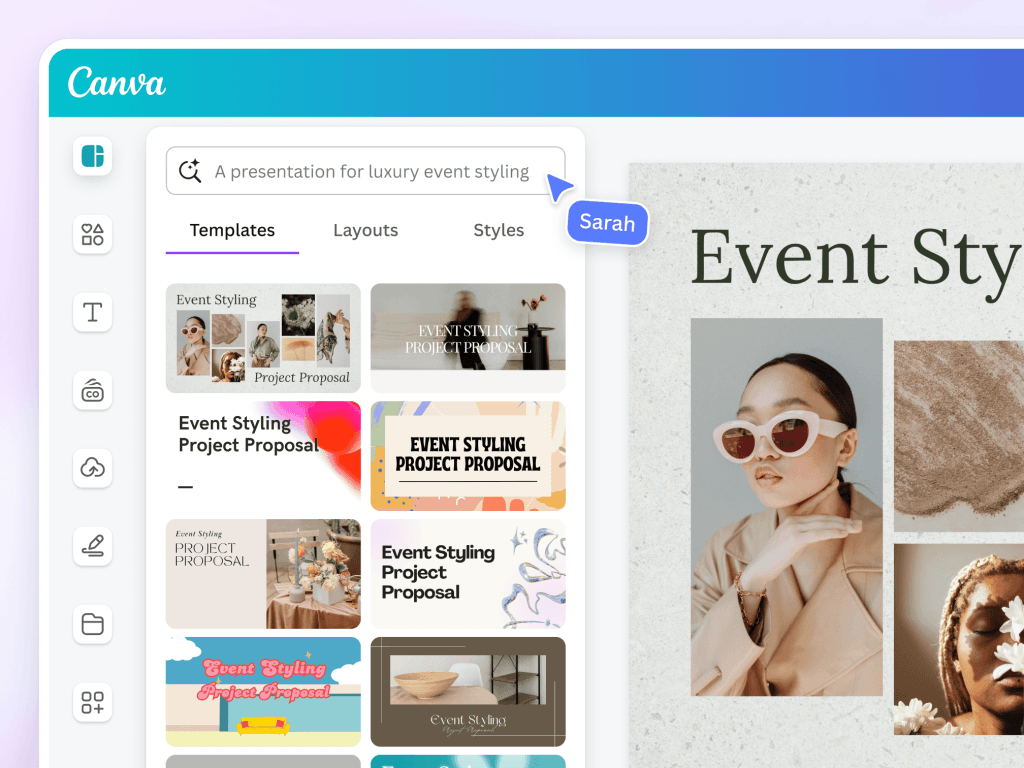
Looking for AI design tools like Canva that can boost your creativity without the steep learning curve? You’re in the right place.
Whether you want eye-catching social media posts, sleek presentations, or polished photos, there are powerful alternatives that give you fresh features and unique advantages. Imagine having easy-to-use platforms that help you design faster and smarter—tools that understand your needs and bring your ideas to life effortlessly.
Ready to discover which AI-powered design tools can match or even surpass Canva? Keep reading to find the perfect fit for your projects and take your creativity to the next level.
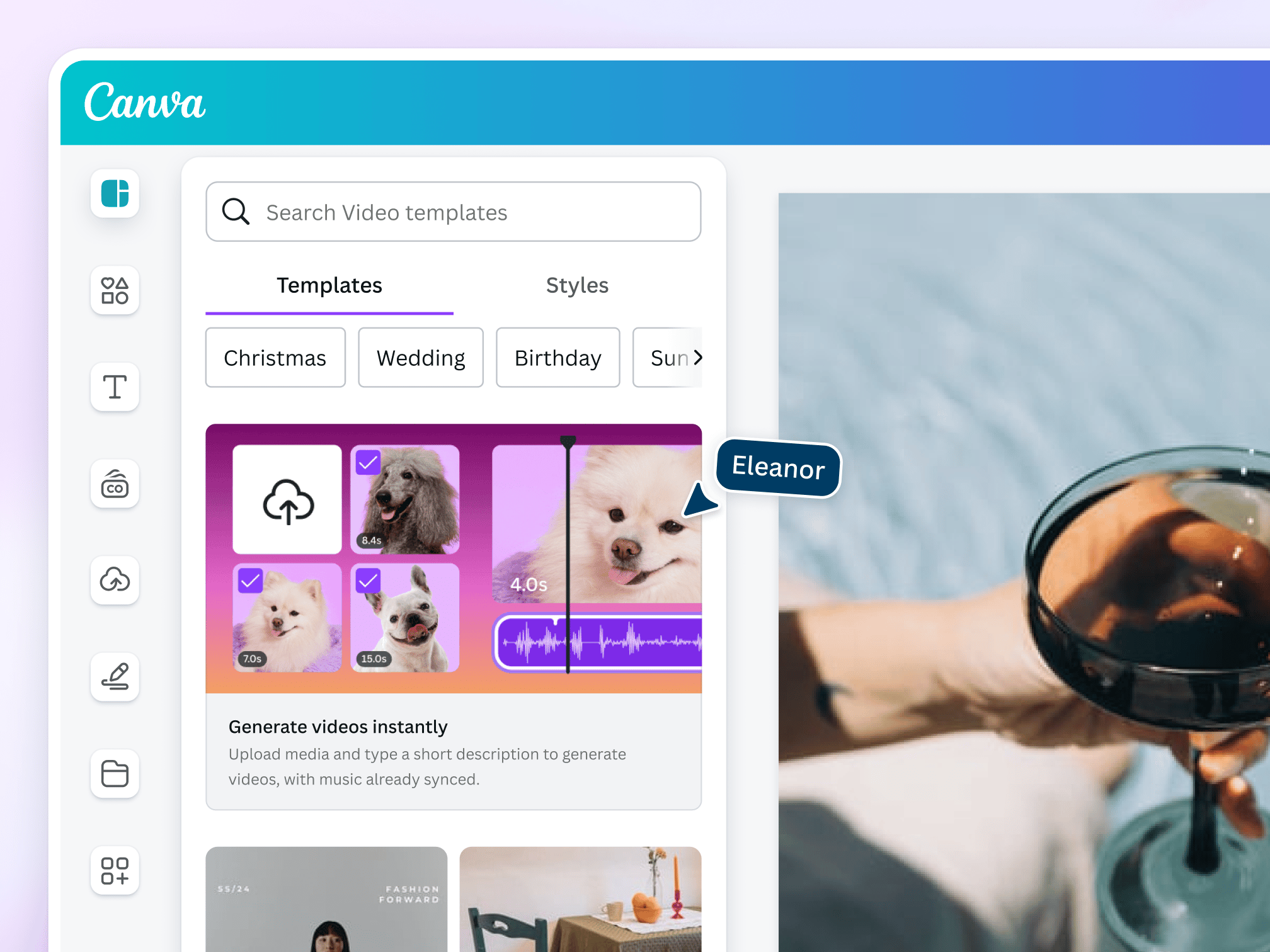
Credit: www.canva.com
Canva Ai Alternatives
Canva AI Alternatives provide great options for creative projects. These tools offer easy-to-use features and AI-powered design help. They suit different needs like presentations, photo editing, and graphic design.
Choosing the right tool depends on your project type and skill level. Many alternatives also include free versions, making them accessible to everyone.
Adobe Express And Simplified
Adobe Express is a free platform from Adobe. It uses Adobe Firefly for AI features like generative fill and text effects. Simplified offers AI tools for design, writing, and video creation. Both platforms are user-friendly and good for beginners.
Visme, Figma, And Picsart
Visme is ideal for presentations and infographics. It has many templates to choose from. Figma is popular for collaborative design and vector graphics. Picsart focuses on photo editing and collage making with many design templates.
Magicslides.app For Presentations
MagicSlides.app helps create presentations quickly using AI. It makes slide design simple and effective. This tool saves time and adds creativity to your work.
Pixlr And Fotor For Photo Editing
Pixlr offers easy photo editing and design with versions like Pixlr X. Fotor combines design templates and a collage maker with AI features. Both are great for enhancing images and creating graphics.

Credit: www.canva.com
Comprehensive Ai Design Suites
Comprehensive AI design suites offer a powerful mix of tools for creative work. These platforms combine artificial intelligence with user-friendly interfaces. They help users create stunning visuals fast. Many provide features similar to Canva, making design simple for everyone.
From photo editing to template creation, these suites cover many needs. They often include AI-driven suggestions, automation, and easy sharing options. This section highlights three popular AI design suites that stand out.
Adobe Express Features
Adobe Express offers a wide range of design tools. It integrates Adobe Firefly, which enables generative fill and text effects. Users can transform simple text into creative templates quickly. The platform supports photo editing and video creation too. It works well for beginners and pros alike.
Simplified Platform
Simplified provides an easy-to-use design and writing toolkit. It includes AI-powered design templates and an AI writer. Users can create social media posts, ads, and videos without hassle. The platform saves time by automating repetitive tasks. It suits small businesses and content creators well.
Imagine.art Tools
Imagine.Art blends Canva-style design features with AI art generation. It allows users to create original artwork and graphics effortlessly. The platform supports advanced customization and creative freedom. It is ideal for artists and designers seeking unique visuals. The tools encourage experimentation and innovation.
Tools For Specific Tasks
AI design tools often focus on specific tasks to help users create better content faster. These tools target particular needs such as presentations, collaboration, or photo editing. Using the right tool for each task improves productivity and results. Below are some excellent AI design tools similar to Canva, each serving a distinct purpose.
Visme For Presentations
Visme offers a rich library of templates ideal for presentations and infographics. It simplifies creating visual stories with easy drag-and-drop features. Users can customize charts, graphs, and icons for professional looks. Visme supports animation and interactive elements to make slides more engaging. It suits educators, marketers, and business professionals aiming to impress audiences.
Figma For Collaboration
Figma shines in collaborative design projects, especially for teams. It allows multiple users to work on the same file simultaneously. The tool supports vector graphics and interface design with real-time feedback. Figma’s cloud-based platform ensures easy access from any device. Designers, developers, and product teams benefit from its seamless teamwork features.
Picsart For Photo Editing
Picsart provides a comprehensive set of photo editing tools combined with design templates. It enables quick adjustments like cropping, filters, and retouching. Users can create collages and add stickers or text for creative projects. Picsart works well for social media content creators and casual designers. Its user-friendly interface suits beginners and advanced users alike.
Magicslides For Quick Presentations
MagicSlides helps generate presentation slides quickly using AI technology. It transforms simple text ideas into polished slide decks. This tool saves time by automating slide design and layout choices. MagicSlides is ideal for professionals needing fast, visually appealing presentations. It reduces manual work without sacrificing style or clarity.
Photo Editing And Graphic Design Apps
Photo editing and graphic design apps provide simple ways to create stunning visuals. These tools help users edit photos and design graphics without complex software. Many apps offer AI-driven features that speed up creative work. They suit beginners and professionals alike. Below are some popular apps similar to Canva, each with unique strengths.
Pixlr Versions
Pixlr offers multiple versions to fit different needs. Pixlr X is great for quick edits with easy tools. Pixlr E provides advanced editing features for more control. Both versions work directly in browsers, no installation needed. Users can crop, resize, and add effects easily. Pixlr supports layers and masks, useful for detailed work. It is free with optional paid upgrades for extra features.
Fotor Ai Features
Fotor combines photo editing with AI-powered tools. Its AI background remover helps isolate subjects quickly. The AI enhancer improves image quality with one click. Fotor includes design templates for social media, posters, and more. Users can create collages using simple drag-and-drop. The interface is clean and easy to use. Fotor works well for beginners who want fast results.
Visme’s Design Options
Visme stands out with versatile design options. It offers templates for presentations, infographics, and social posts. Users can customize colors, fonts, and layouts easily. Visme supports adding charts and data widgets. It also allows team collaboration on projects. The platform balances creative freedom with user-friendly tools. Visme suits users who need both design and data visualization.
Free And Paid Canva Alternatives
Exploring free and paid Canva alternatives helps find the right design tool for your needs. These tools offer various features that suit beginners and professionals alike. Some focus on simplicity and cost-effectiveness, while others provide advanced options for complex projects.
Understanding the differences between free and premium design tools can guide your choice. Both types have strengths that make them valuable depending on your project and budget.
Free Options Overview
Free Canva alternatives provide essential design features without cost. Adobe Express offers a user-friendly platform with templates and AI tools. Simplified combines design and writing tools in one place. Pixlr provides easy photo editing and graphic design options. Visme focuses on presentations and infographics with many free templates. These tools allow users to create quality designs without a subscription. They are perfect for casual users and small projects.
Premium Tools Comparison
Paid Canva alternatives unlock more features and flexibility. Adobe Express premium adds advanced AI effects and collaboration tools. Simplified’s paid plans include more templates and marketing options. Figma targets professionals with collaborative design and prototyping features. Picsart’s premium version offers extensive photo editing and creative assets. MagicSlides.app focuses on AI-powered presentation creation. These premium tools suit businesses and heavy users who need extra power and customization.
Choosing The Right Tool
Choosing the right AI design tool similar to Canva can make your creative work easier and faster. Each tool offers different features that suit various needs. Focus on key aspects to find the best fit for your projects. Consider how simple the tool is, its AI power, templates, and collaboration options. These elements affect your design experience and final results.
User Interface And Ease
Look for a tool with a clean and simple interface. It should be easy to find features and navigate menus. A good design tool does not require a steep learning curve. Clear icons and straightforward steps save time. If you spend less time figuring out how to use the tool, you can focus more on creativity.
Ai Capabilities
Check the AI features available in the tool. Some tools offer smart suggestions for layouts and colors. Others use AI to generate images or text automatically. Choose a tool with AI functions that match your needs. The right AI can speed up your workflow and improve your designs.
Template Variety
Templates provide a quick start to your projects. A large and diverse template library lets you create many design types. Look for templates in categories like social media, presentations, and marketing. Templates should be easy to customize. This flexibility helps you make unique designs without starting from scratch.
Integration And Collaboration
Good design tools allow easy sharing and teamwork. Check if the tool supports real-time collaboration with others. Integration with other apps like cloud storage or social media is useful. This helps you manage your files and publish designs faster. Collaboration features improve productivity in group projects.
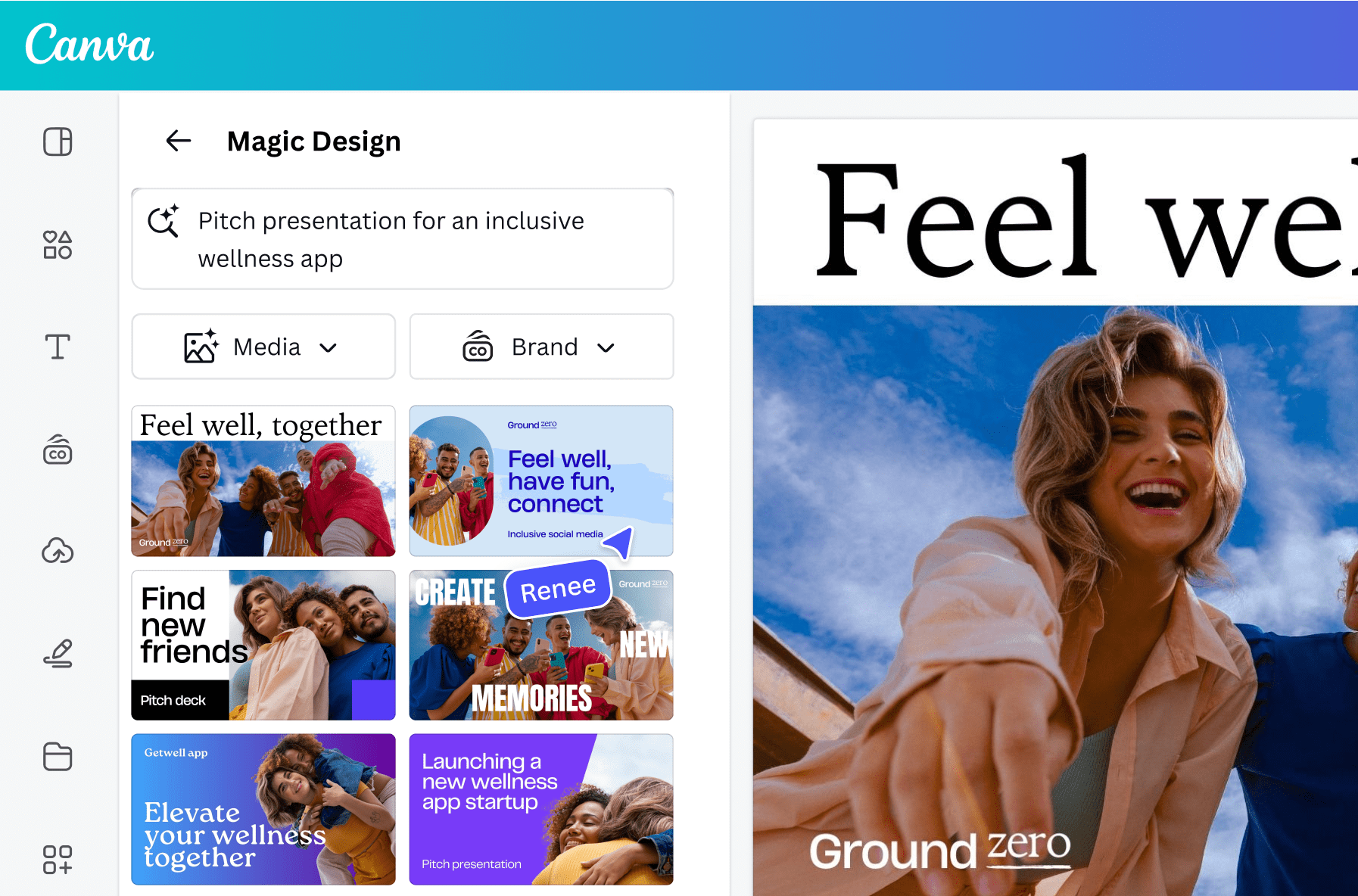
Credit: www.canva.com
Frequently Asked Questions
What Is The Equivalent Of Canva Ai?
Top Canva AI equivalents include Adobe Express, Simplified, Visme, Picsart, MagicSlides. app, Figma, and Pixlr. These tools offer AI-powered design, editing, and presentation features, providing versatile and user-friendly alternatives for graphic creation and photo editing.
Is There A Better Alternative To Canva?
Top Canva alternatives include Adobe Express, Simplified, Visme, and Figma. They offer unique AI features, templates, and advanced editing tools. Choose based on your design needs for presentations, photo editing, or collaboration. These platforms provide strong, user-friendly options beyond Canva.
Does Canva Have An Ai Design Tool?
Yes, Canva offers AI design tools like Magic Resize and Background Remover to simplify creating and editing designs.
What Is The Best Ai Design Tool?
The best AI design tools similar to Canva include Adobe Express, Simplified, Visme, and Pixlr. They offer user-friendly interfaces with powerful AI features for graphic creation, photo editing, and presentations. Each suits different needs, from advanced editing to quick, creative designs.
Conclusion
AI design tools similar to Canva offer great choices for all users. These tools help create graphics, presentations, and photos easily. Each platform has unique features for different needs. Whether you want simple templates or advanced editing, options exist. Trying a few can help find the best fit.
Design projects become smoother and more fun this way. Explore these tools to boost your creativity today.


